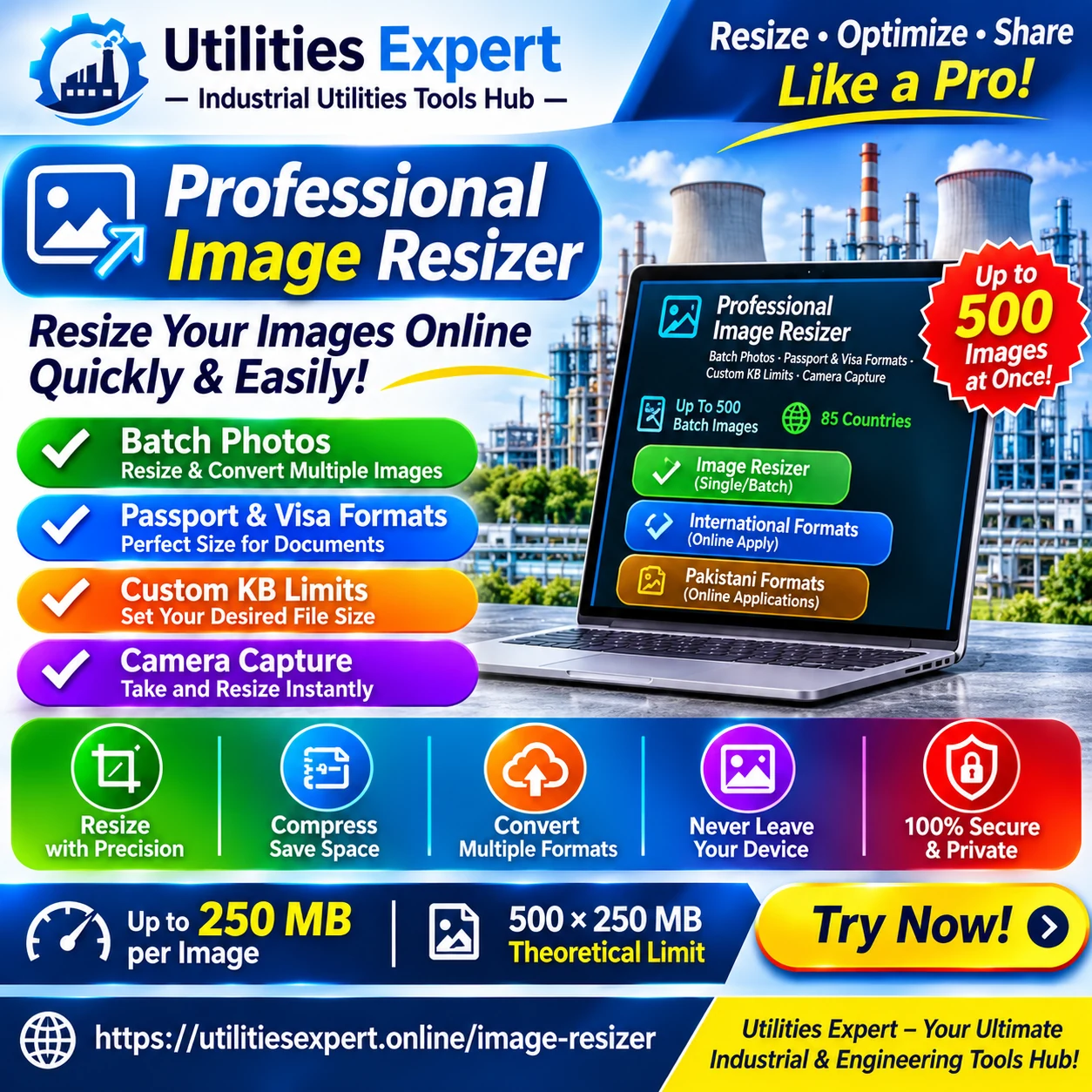
Professional Image Resizer
Batch Photos · Passport & Visa Formats · Custom KB Limits · Camera Capture
Loading World Photo Formats…
Up to 250 MB per image. 500 × 250 MB is a theoretical 125 GB total, not guaranteed batch capacity; practical limits depend on your device.
How to use it
- Drop, paste or choose one or more images. Each picture appears in the strip so you can select it and compare the original with the result.
- Pick a sizing method: a maximum file size, exact pixels or print size, a percentage, an aspect ratio, an upscale factor or a ready-made preset.
- Adjust cropping, padding, rotation, brightness, sharpening or a text watermark if needed, then choose the output format.
- Download the selected image, or download the whole batch as one ZIP file. Save your settings to reuse them next time on this browser.
Practical tips for plant photos
- For nameplates and gauges, keep enough resolution to read small text; check the result at full size before sending.
- Reduce file size with custom KB or MB targets, or choose 20, 50, 100, 200 or 500 KB. Each output is checked against its maximum; the actual file may be smaller. Tiny limits can reduce quality and dimensions, and may be impossible with minimum-dimension or metadata settings.
- JPG or WebP suit photographs; PNG keeps sharp edges on screenshots, drawings and labels.
- Auto-trim and crop help remove empty background around a part before it goes into a maintenance or inspection report.
Professional, Advanced and Expert levels
- Professional keeps the everyday tools: size and file-size targets, presets, compression, cropping, rotation, watermarks and batch ZIP downloads.
- Advanced adds Lanczos3, bicubic, bilinear and nearest-neighbour resampling, noise reduction, gamma, a drag-to-crop editor, print/DPI checks, PNG optimisation, metadata choices and an image inspector.
- Expert adds perspective correction, content-aware cropping, technical diagnostics, optional on-device AI upscaling, exportable batch profiles and a printable processing report.
Specialist workflows
- Industrial nameplate keeps serial numbers, instrument tags and gauge scales readable.
- Engineering drawing keeps lines and dimensions sharp and saves lossless PNG.
- E-commerce makes square product images on a white background for Shopify and catalogues.
- Web developer makes responsive widths and ready-to-paste picture/srcset code.
Honest limits
- DPI is a print label; only pixel dimensions hold detail. The print panel shows the real print size at each DPI.
- Pictures are processed as 8-bit sRGB. CMYK and 16-bit output are not produced, and wide-gamut or CMYK inputs are converted to sRGB.
- AI upscaling runs on your device after you agree to download a small open-source model. It can invent detail, so never rely on AI-enlarged nameplates, gauges or drawings for real values.
- Lossless WebP, AVIF and HEIC depend on your browser. Unsupported options are greyed out, and every saved file is checked so a different format is never substituted silently.
Private by design. All processing happens inside your browser, and pictures are not uploaded to our website. Camera and location details (EXIF/GPS) are removed unless you choose to keep them; keeping GPS is a separate, clearly labelled option. Files are checked before opening, with limits of up to 500 images, 250 MB per file and 250 megapixels per image on computers (lower on phones to keep them responsive). Very large photos are scaled once to fit what your browser can safely handle, and big batches download as several ZIP parts.
Image Size, File Size & Submission Checks
Pixel dimensions describe the image grid; file size describes compressed bytes. A 1,200 × 800 picture contains 960,000 pixels, but its JPEG byte size also depends on image detail and compression. Reducing quality and reducing dimensions are different actions. Check fine text, serial numbers and gauge markings after either change.
Print width in inches = pixel width / DPI. An illustrative 600-pixel-wide image at 300 DPI prints 2 inches wide. Changing the DPI label without adding pixels does not create new detail. For application photos, compare the saved pixels, format and bytes with the current official portal—not just the preset name.
- Why can a picture under the KB limit still be rejected?
- A portal may separately check portrait dimensions, face placement, background, file format and document clarity. Compression cannot establish identity or satisfy every authority rule. Review the current instructions and upload preview.
- Can an enlarged nameplate recover unreadable digits?
- Not reliably. Upscaling may interpolate or invent detail. Preserve the original and capture a clearer photograph from a safe position; do not use invented pixels as an engineering measurement.
- Does private processing mean there are no website requests?
- Pictures stay in the browser. The website still downloads its files and optional models; with consent, aggregate studio activity counts may be recorded without photos or filenames. See the privacy policy.
 Pakistan passport, visa and form photo sizes